
How do I create email accounts?

To create an email account, take the steps below

  • Login to your control panel and click on Email Accounts.
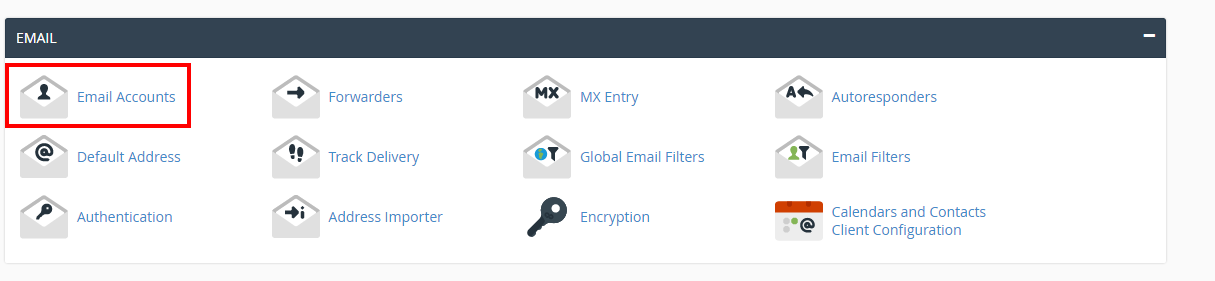
    Select Email accounts
  • Fill in the name you want and select the domain name from the drop-down.

  • Type the desired password twice.
  • Change the quota if you want.
  • Click Create.


*NOTE: By default you have no email address setup. The main username may look like it's a setup email, but if you wish to use it you will need to add it as an email account.

  • 0 Korisnici koji smatraju članak korisnim
Je li Vam ovaj odgovor pomogao?

Vezani članci

Setting Up your website's email on Android Devices

To setup Email on an Android Device, From the home screen, tap Applications > Settings >...

Email Trouble Shooting to get your mail working

Email Trouble Shooting Make sure your user name and password is all lowercase. Make sure...

Are you able to send emails but not receive?

Either your domain is out of disk space, or your e-mail address itself is out. You will need to...

Are you able to receive emails but not send?

If you can receive mail but aren't able to send this means one thing.....Your internet provider...

How to Change Email Account Password

You can change the password to your email account through cPanel or Webmail.  Changing Email...